 FILMING GUIDE · OVERVIEW
FOR REAL ESTATE AGENTS AND BROKERAGES
You film the property. We prepare your listing.
We turn your walkthrough into photos and English listing copy. Send a 2D plan for a 3D floor plan. Review the results, then publish your listing.
BEFORE YOUR FIRST RECORDING
The video tutorial.
Watch how to film your property, then follow the step-by-step guide below.
Open video tutorial ↗
FROM YOUR PHONE TO YOUR LISTING
Your video.
The finished photos.
Compare the walkthroughs with the finished photos. These examples are from Dubai.
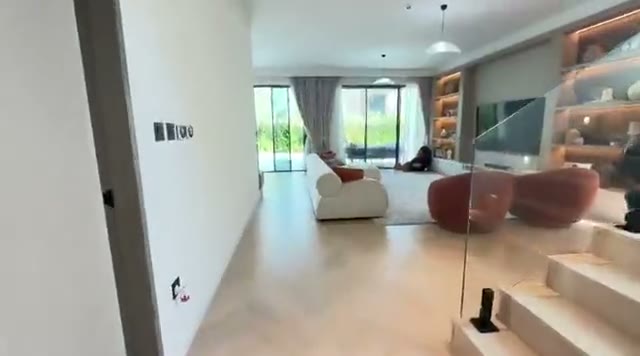
Set up your phone, film every room, and send the video in its original quality.
FILMING GUIDE · BEFORE YOU FILMSTART HERE
Five rules for
your recording.
Landscape
Hold your phone horizontally for the best results. Vertical video needs manual work at double listing credits and may be less accurate.
Wide angle
Select the wide-angle camera (0.5×) and 16:9 format, if available.
Eye level
Keep your phone level. The floor and ceiling should both be visible.
Stop before you pan.
Film large rooms from four corners and small rooms from two opposite corners. Stand still, then pan slowly.
Turn the lights on
Switch on every light. Open curtains and blinds so colours and surfaces are visible.
STEP 01 · YOUR PHONE
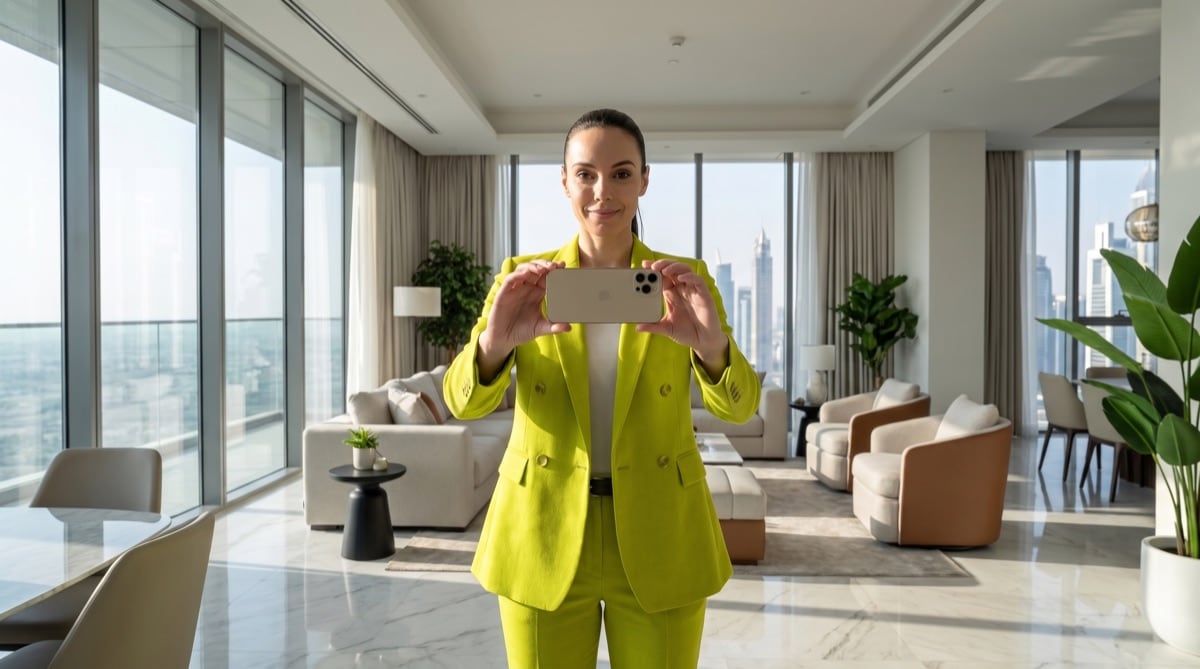
Set up your phone.
- Select video mode and record in HD.
- Select wide angle (0.5×) and 16:9 format, if available.
- Hold your phone at eye level. Do not tilt it up or down.
STEP 02 · PREPARE THE ROOMS
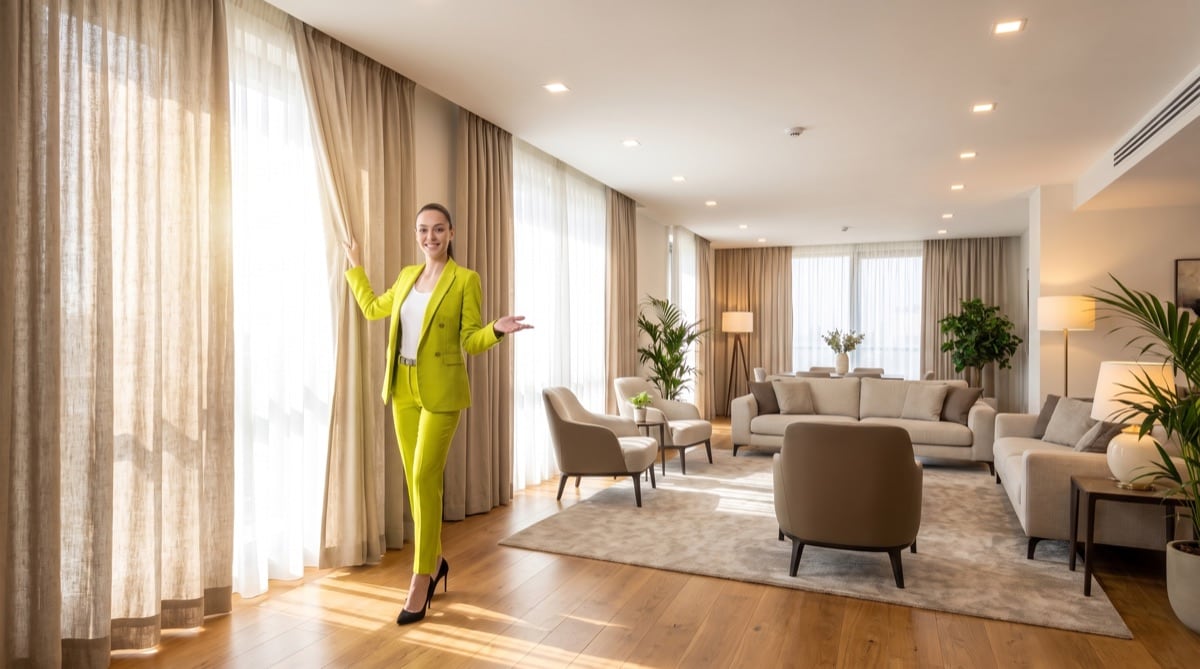
Let the light in.
- Open all curtains and blinds.
- Switch on every light. Film outdoor areas in daylight.
- You do not need to tidy up before filming. We can edit clutter and reflections in the photos.
Show the property's actual condition in full. We cannot capture what is missing from the video.
FILMING GUIDE · THE WALKTHROUGHSTEP 03 · ROOM BY ROOM
Walk to your spot.
Stop, then pan slowly.
Stand still while panning. Walking at the same time makes the images blurry.
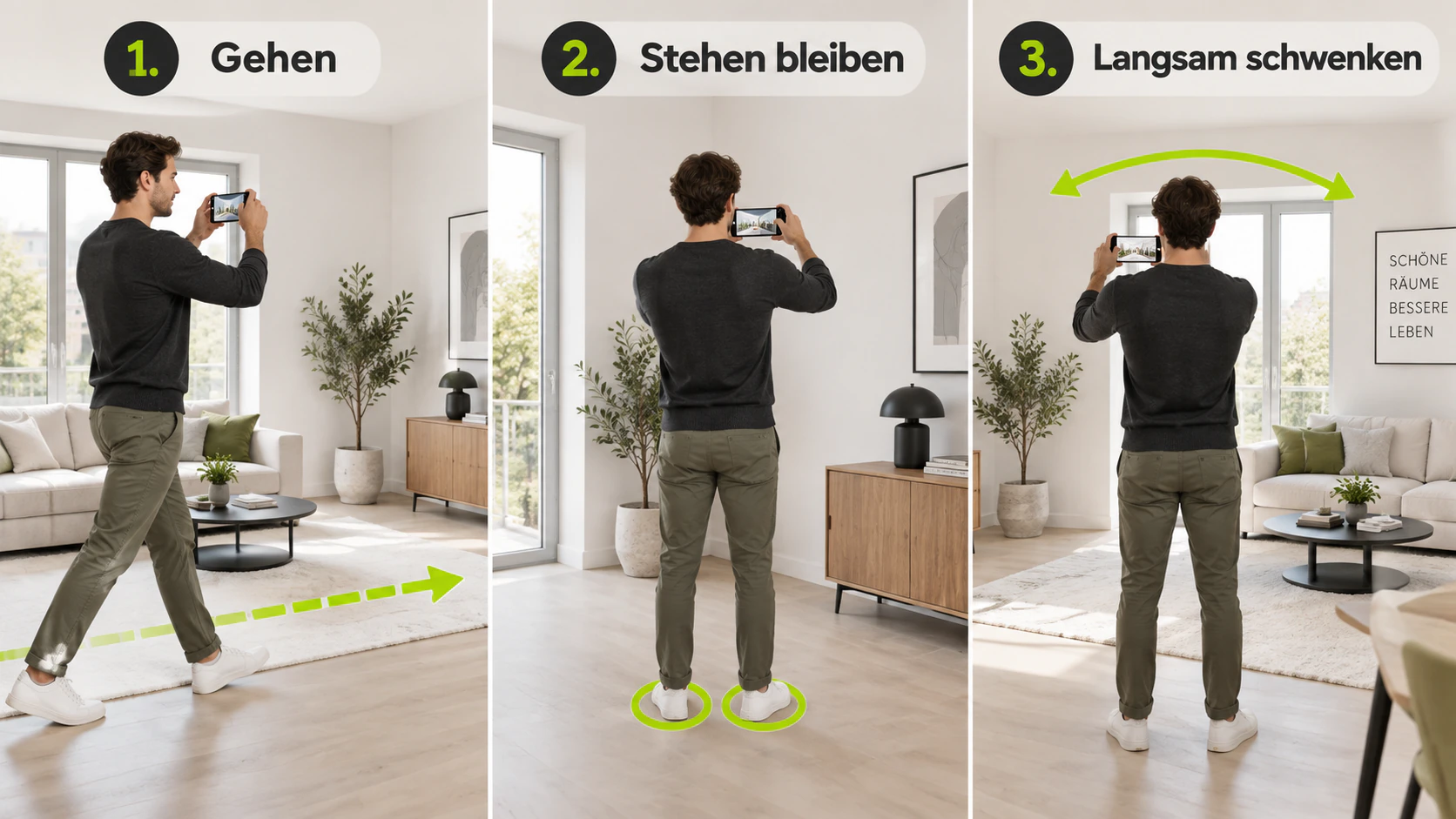
How to film each room.
- Walk to a corner. Keep your phone pointing straight ahead as you move.
- Stop. Pan slowly and steadily across the whole room.
- Hold the phone still for 2 to 3 seconds before moving on.
- Film large rooms from four corners. Two opposite corners are enough for small rooms.
- Show the room from wall to wall. Keep the floor and ceiling in view.
- Include the laundry room, storage rooms and parking spaces.
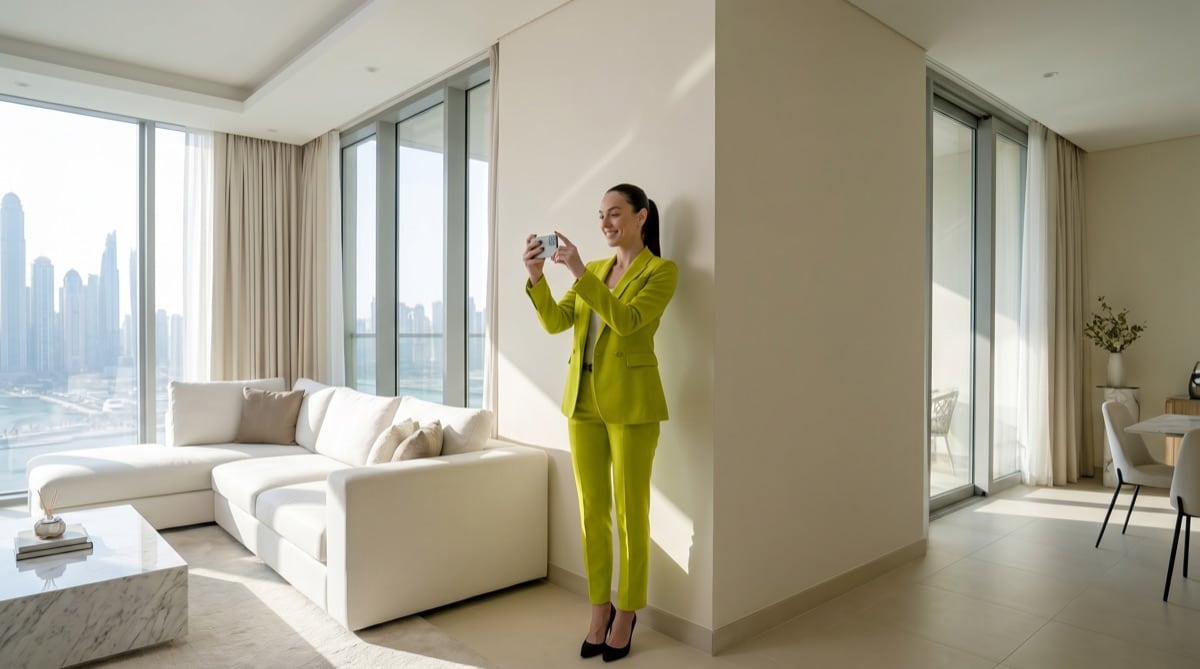
Small room: two opposite corners.
Film the whole property in one continuous video, including every floor. Walk slowly on stairs and keep recording. We edit the video afterwards.
FILMING GUIDE · OUTDOOR AREASSTEP 04 · OUTDOOR AREAS
Film outside in daylight.
Include the entrance, driveway and parking spaces.
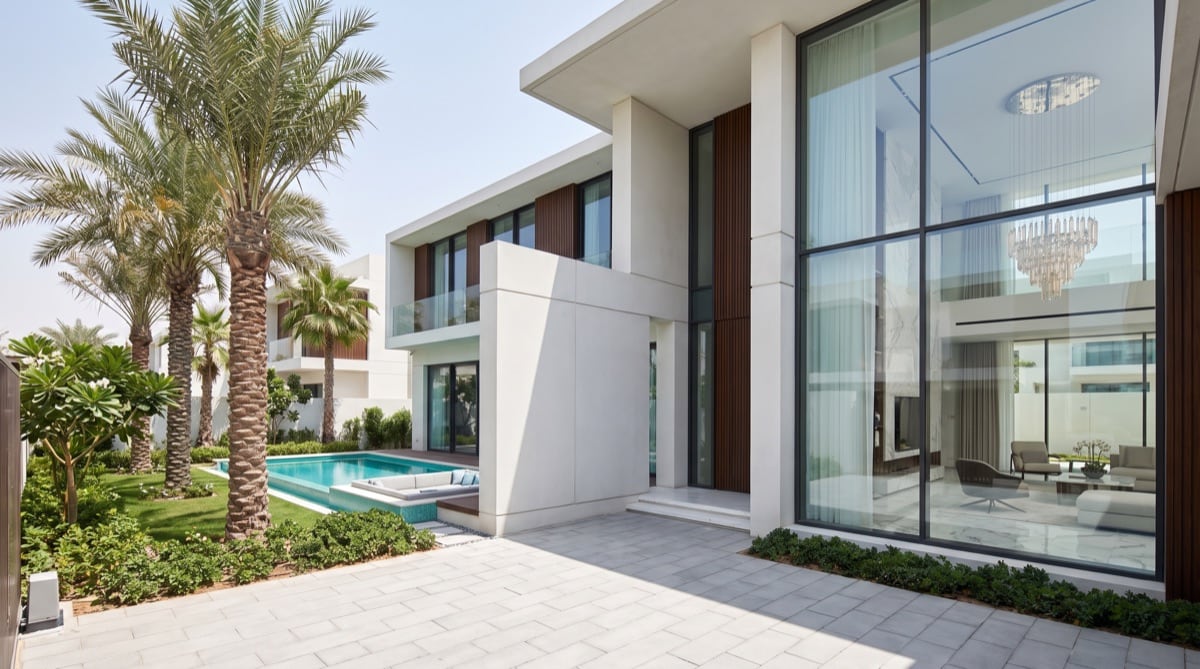
House, garden and pool
Film all four sides of the house and the garden. If there is a pool, include a view with the house behind it.
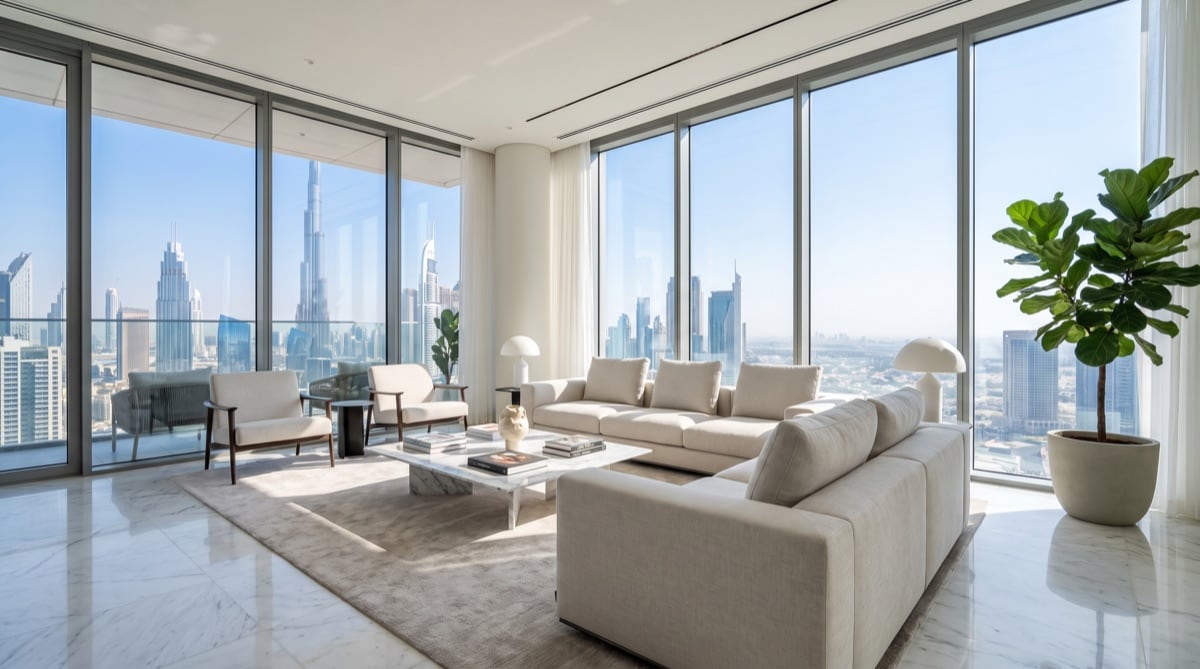
Show the view
Film the view from the living room window. Show the living room, kitchen and dining area in full too.
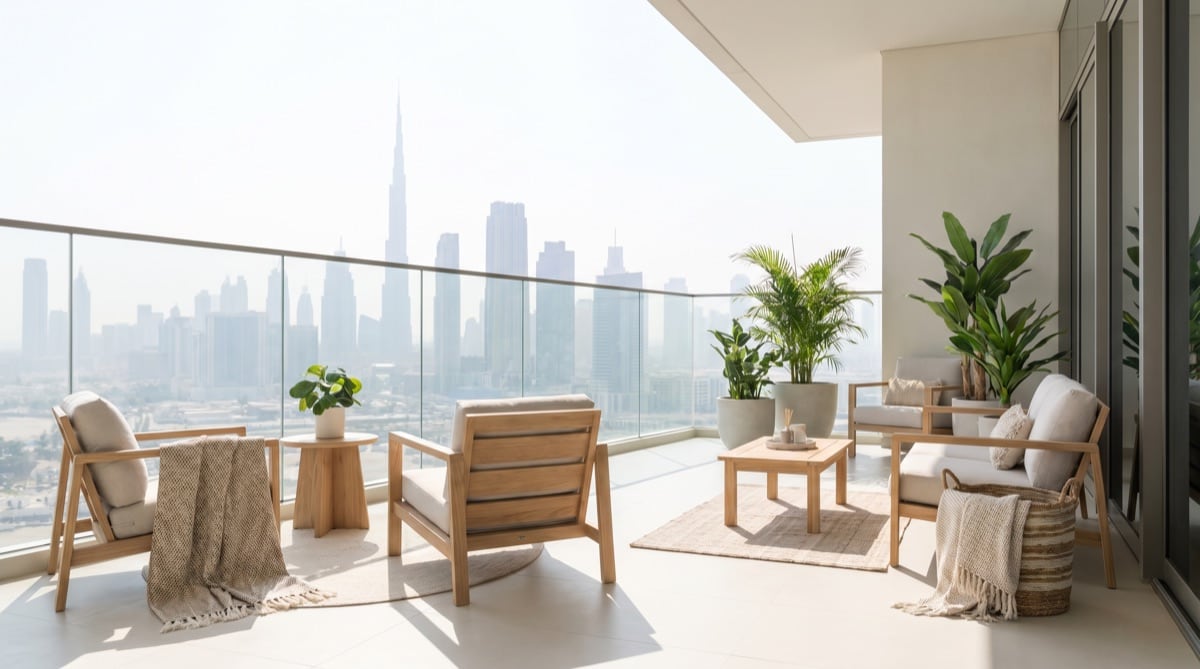
Film the balcony separately
Show the balcony, then the view. Film both from several angles.
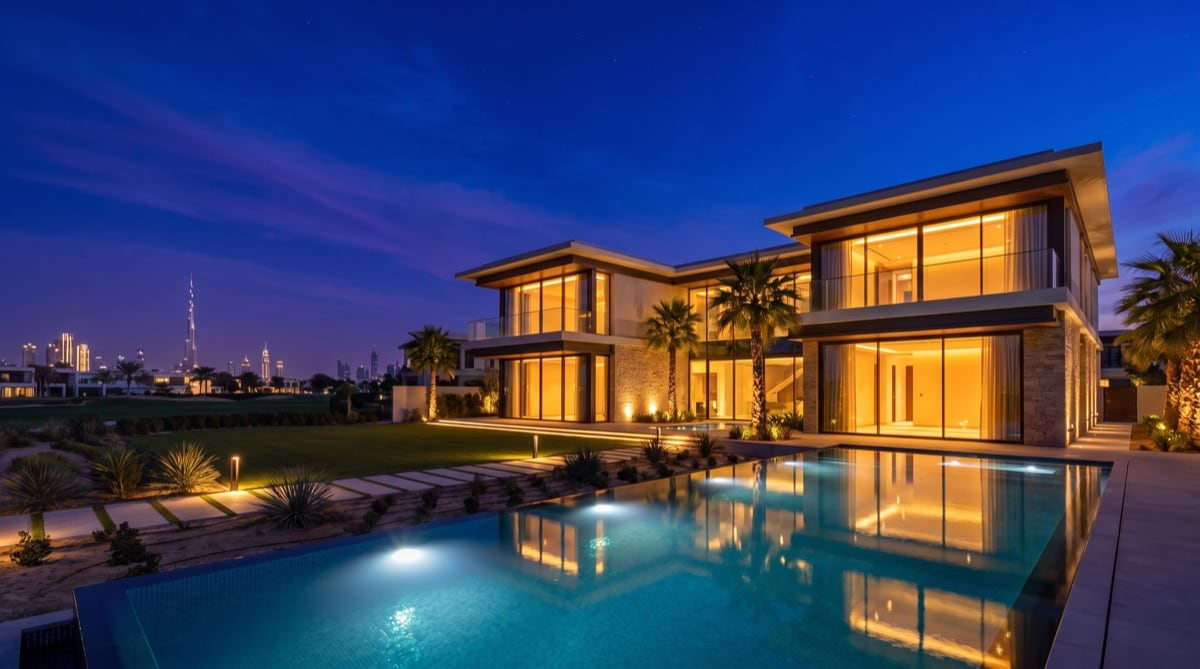
Daylight is enough
Film outside in daylight. We can use this to create an edited cover photo with an evening look.
FILMING GUIDE · COMMON MISTAKESCOMMON MISTAKES
These mistakes are easy to avoid.
Watch out for these four things while filming.
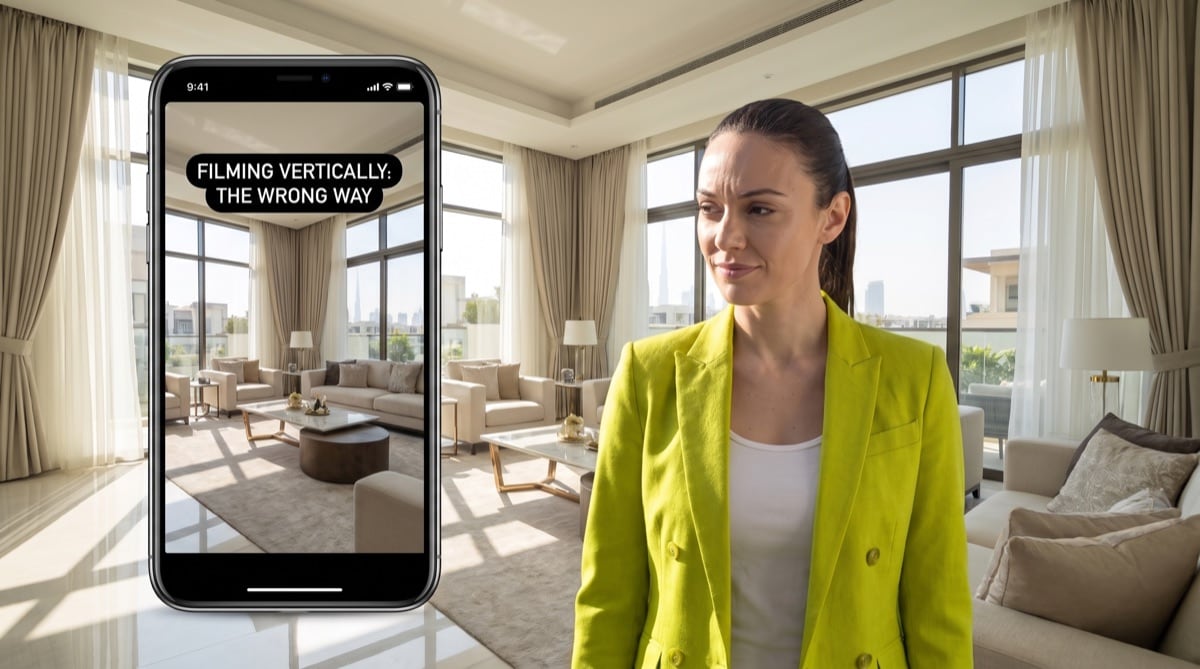 Avoid this
Filming vertically
Hold your phone horizontally.
For the best results, record again in landscape. Vertical footage needs manual work at double listing credits and can produce less accurate results.
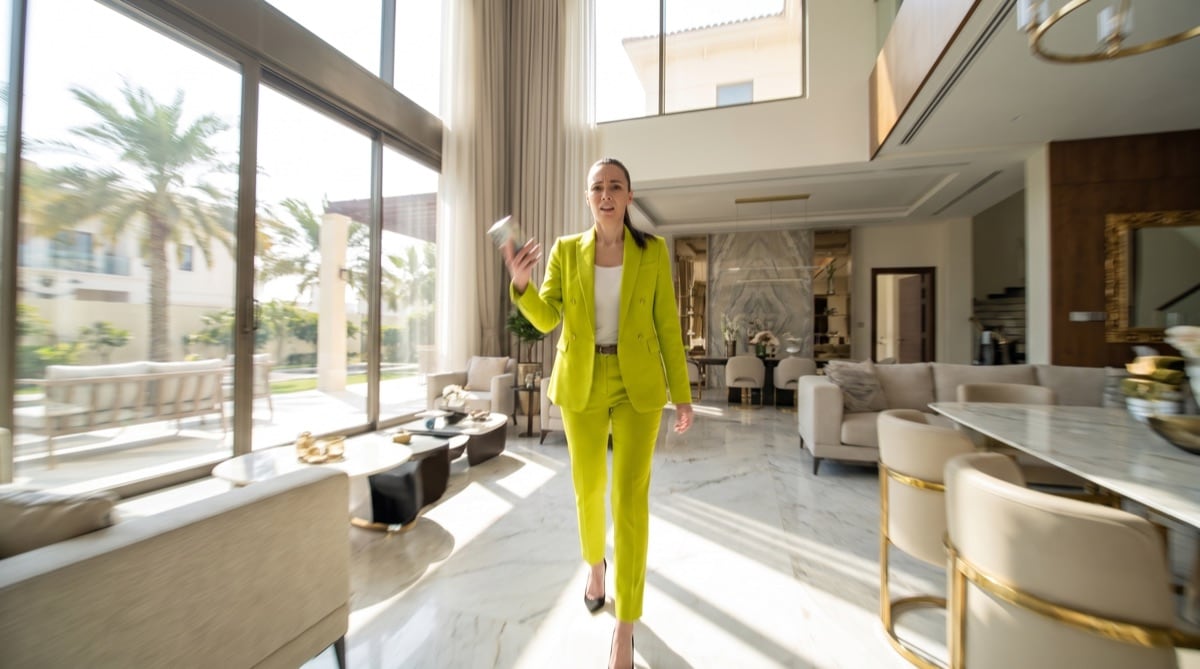 Avoid this
Walking while panning
Stand still first.
Stay in one spot and pan slowly.
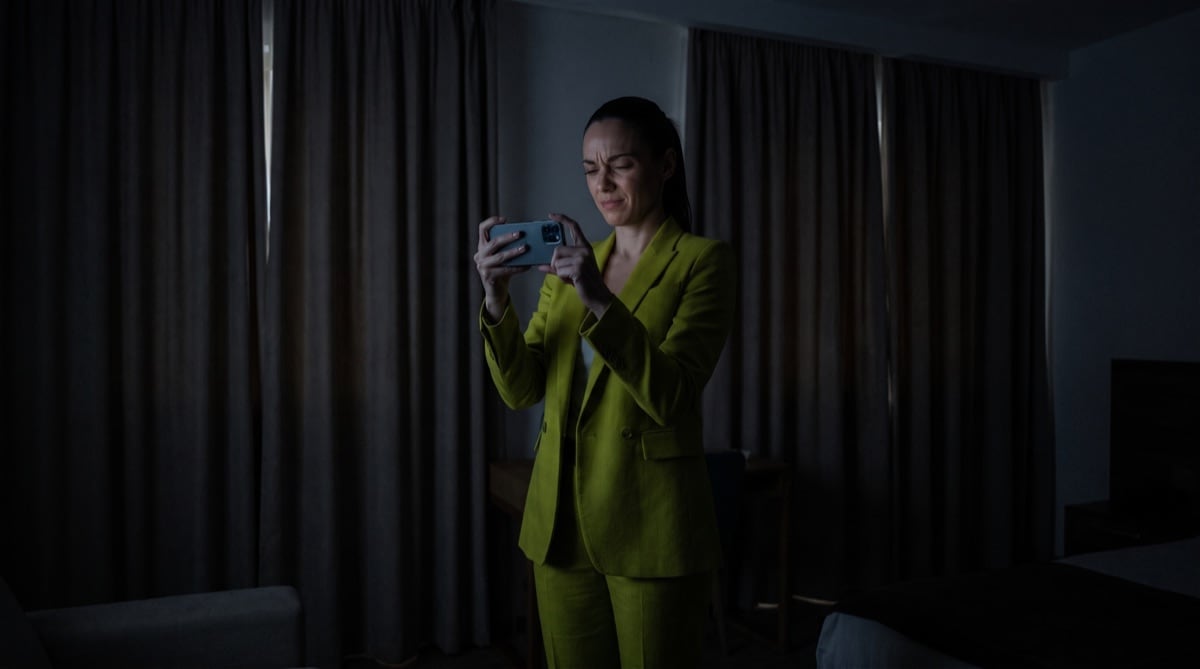 Avoid this
The room is too dark
Turn on lights. Open curtains.
Film so that colours and surfaces are visible.
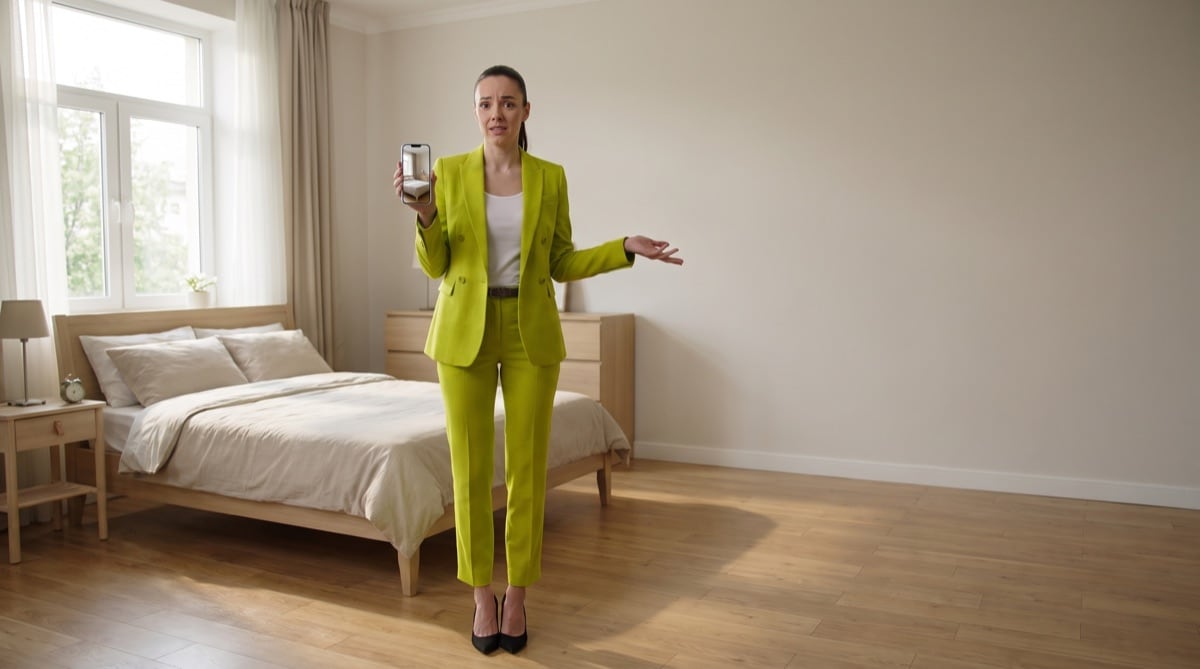 Avoid this
Only part of the room is visible
Show the whole room.
Step back and use wide angle. Keep the floor and ceiling in view.
FILMING GUIDE · WHAT TO FILMTHE ROOM LIST
Show everything
that belongs to the property.
Film room by room. Remember storage rooms and other secondary spaces.
 01
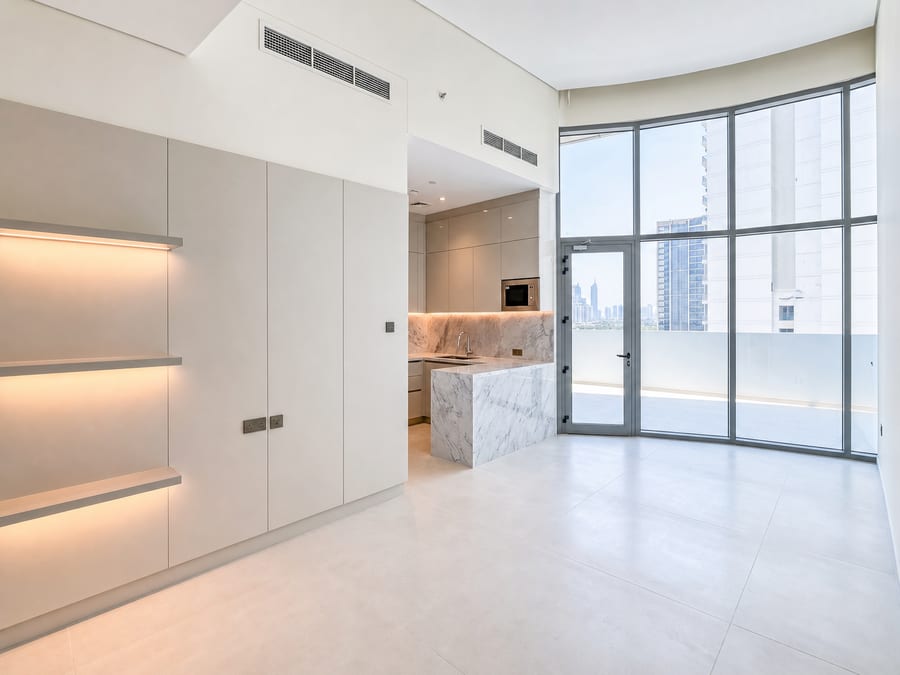
01Apartment
Film the whole apartment in one video, including the entrance and hallway.
- Living room
- Film from as many corners as possible. Hold the phone still for 2 to 3 seconds each time.
- Bedrooms
- Film from two opposite corners. Show the bed, floor and ceiling.
- Kitchen
- Film from two opposite corners. Show worktops and appliances.
- Balcony and view
- Film the balcony and view separately. Include the view from the living room window.
- Bathroom
- Turn on the light and pan slowly from the doorway.
- Other spaces
- Include storage rooms, the laundry room, basement and parking space, where present.
 02
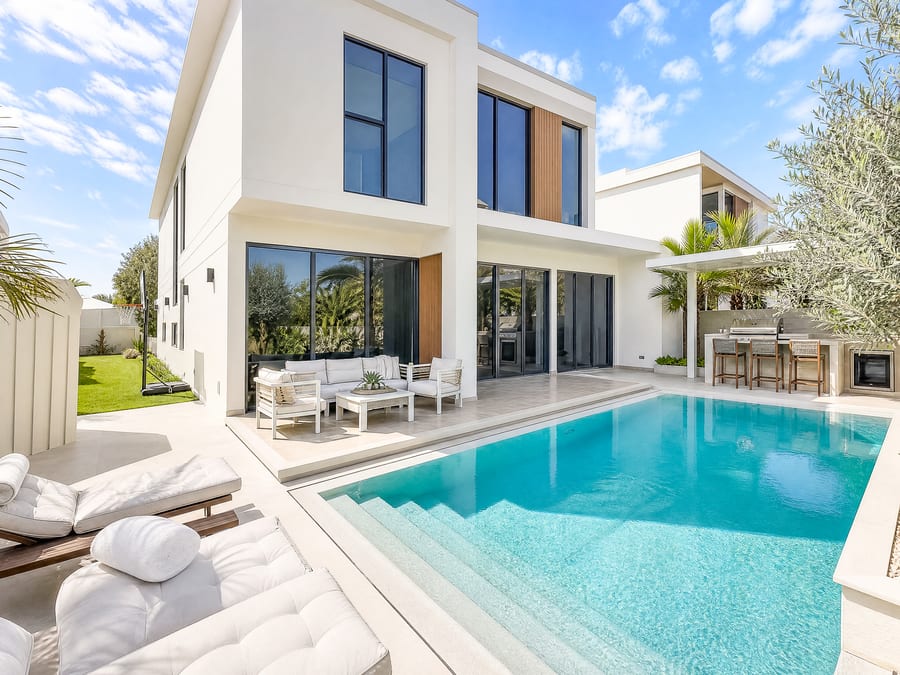
02House
Film the whole house in one video. Walk slowly on stairs and keep recording.
- Exterior and entrance
- Film the front from four or five positions. Show all four sides of the house.
- Garden and pool
- Film the garden and pool separately from several angles, where present. Include the surrounding areas.
- Living area
- Film the living and dining rooms from several corners. Hold each view for 2 to 3 seconds.
- Bedrooms
- Film every bedroom on every floor from two opposite corners.
- Kitchen
- Show the worktops, kitchen island and appliances from two opposite corners.
- Other spaces
- Include utility rooms, storage rooms, the basement, garage and parking spaces.
 03
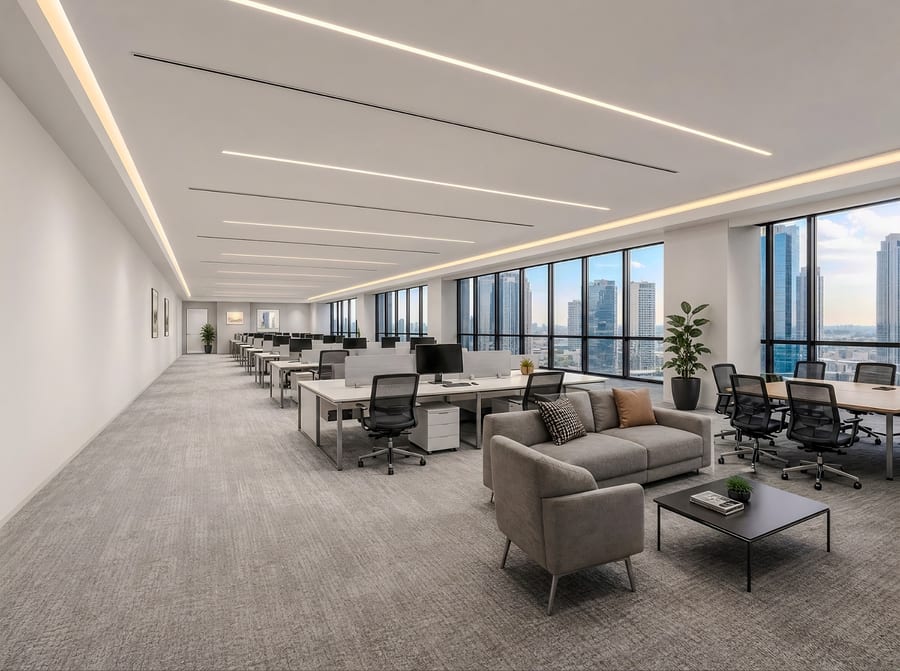
03Commercial
Film all floors in one continuous video. Show the full space and ceiling height.
- Exterior and signage
- Film the entrance and signage from a distance and close up.
- Open spaces
- Pan slowly from the corners. Show the full depth of the room.
- Offices and meeting rooms
- Film from two opposite corners. Keep the floor and ceiling in view.
- Windows and view
- Film in daylight. Show the natural light and the view.
- Shared areas
- Include the kitchenette, washrooms, reception and parking areas.
- Ceiling and room height
- Pan upwards once to show the ceiling. Then hold the phone level again.
Before leaving, check that you have filmed every room, floor and outdoor area.
FILMING GUIDE · CHECK AND SENDSTEP 05 · UPLOAD THE ORIGINAL FILE
Check your recording.
Upload the video.
Upload the original file through your personal upload link. Avoid sending it as a standard WhatsApp video, which compresses it. Once all footage is uploaded, confirm that it is complete. Your 24-hour delivery period starts then if this is a paid listing. We do what we can for your free listing. It has no delivery deadline or late-delivery remedy.
What to send us.
- The original video
Record in HD. Allow around 3 to 6 minutes. We cannot include anything missing from the video in your listing.
- 2D floor plan (optional)
Upload your 2D plan if you want a 3D floor plan.
- Property details (optional)
Property type, number of rooms, bedrooms and bathrooms, floor area, and asking price or rent. Include the units and currency.
Do not have an upload link yet? Ask your Ryselist contact.
Contact Ryselist ↗Check before uploading.
0 of 7 items checked
Review your results.
Check the images and property details. Add any information required for your market before publishing the listing.
FILMING GUIDE · MORE RESULTSFROM OUR DELIVERIES
20 real listing examples.
Each card shows five photos of the same property. These Dubai examples were created from phone videos.
5 of 16 photos
5 of 12 photos
5 of 27 photos
5 of 14 photos
5 of 10 photos
5 of 13 photos
5 of 47 photos
5 of 15 photos
5 of 33 photos
5 of 25 photos
FILMING GUIDE · MORE RESULTSFROM OUR DELIVERIES
More real results.
Each card shows five photos of the same property. These Dubai examples were created from phone videos.
5 of 14 photos
5 of 21 photos
5 of 26 photos
5 of 22 photos
5 of 46 photos
5 of 20 photos
5 of 24 photos
5 of 23 photos
5 of 17 photos
5 of 52 photos
FILMING GUIDE · THE PUBLISHED LISTINGTHE RESULT IN USE
See the listing
on the property portal.
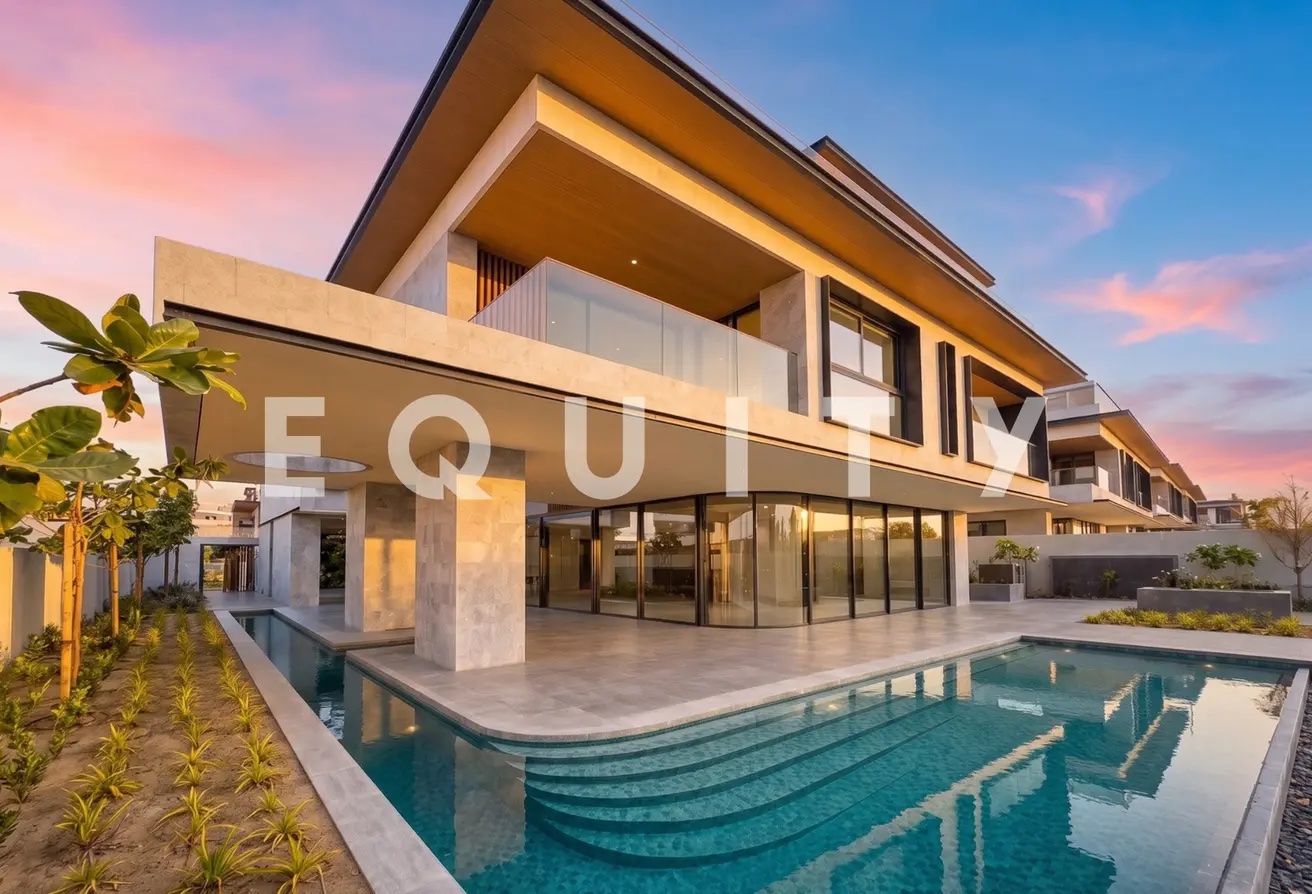
This villa in Elysian Mansions, Tilal Al Ghaf, is on Property Finder. See the finished listing there.
View the listingPROPERTY FINDER · DUBAI
YOUR NEXT LISTING
Try a free sample.
Send a video of your property and get up to 15 sample photos.
Book a demo