How to write a real estate listing description for Property Finder in Dubai
A Property Finder description has one job: turn a search match into a call or a WhatsApp message. This is the structure that makes that happen.
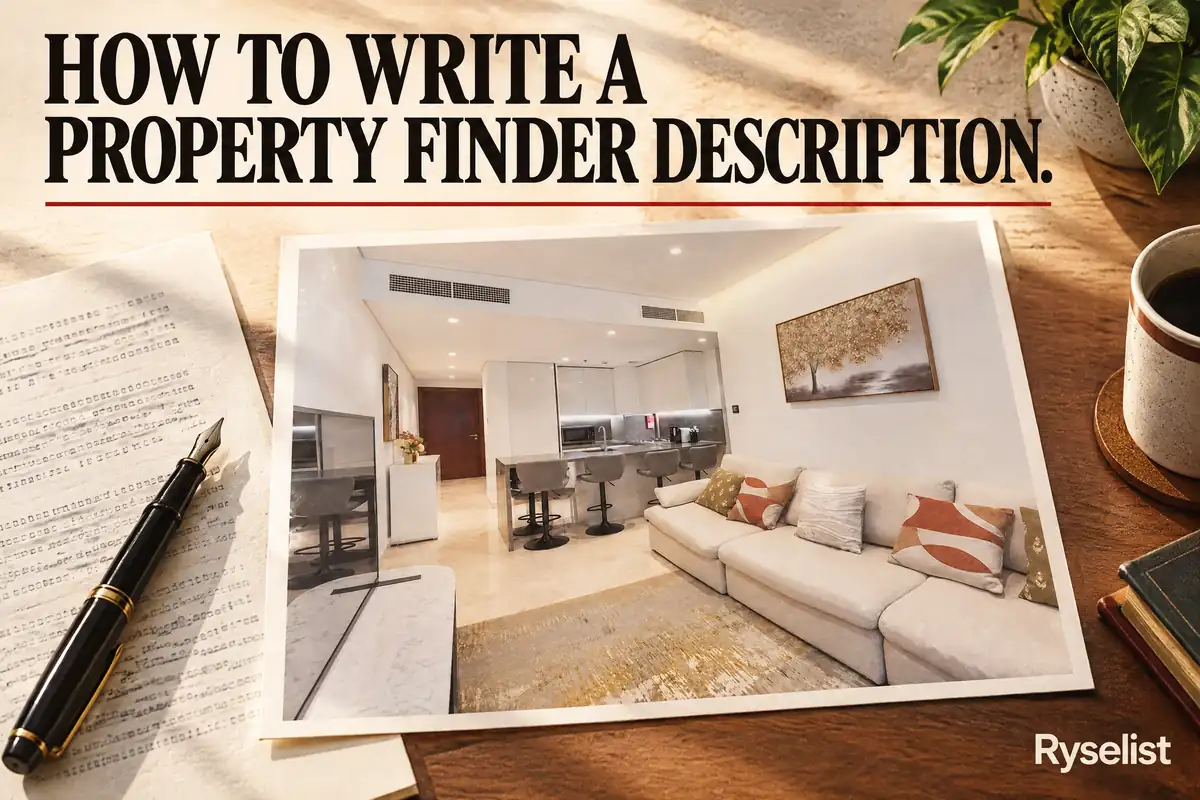
A Property Finder description has one job. It needs to help the portal's search match the right buyers, answer the three questions every buyer asks first, and give them a reason to tap Call or WhatsApp instead of scrolling past.
What the description has to do
Property Finder's search reads your text as much as your filters, so the words you choose affect who finds the listing at all. Once a buyer opens it, the description has a few seconds to answer the questions on their mind: what is this, what does it cost to live here, and is it available now. If those three answers are not near the top, most buyers move on before reading the rest.
A simple structure
Use the same four blocks every time.
First line: the one thing that sells this exact unit. A view, a vacant status, a rare layout, a recent renovation. Not the bedroom count, since the buyer already filtered for that.
Second block: the hard facts, in short lines. Bedrooms, bathrooms, size in square feet, floor, view, furnished or unfurnished, parking, chiller (included or paid separately), and the service charge if you know it.
Third block: the community. What is within walking distance, which school catchment it sits in, how far the nearest metro or main road is.
Last line: viewing availability. When someone can see the unit, and how to book it.
Format for a skim, not a read
Most Property Finder buyers browse on a phone while doing something else. Write the facts block as one short line per fact, not one long sentence carrying five commas. Keep every paragraph to two or three sentences. A dense block of text gets skipped even when the facts inside it are strong, since nobody stops scrolling to untangle a wall of prose.
Put a clear break between the hook, the facts, the community line, and the viewing line. A buyer scanning on a small screen should be able to find the one detail they care about without reading the rest of the text.
A worked example
Example: 2-bedroom in JVC. This is a fictional unit built to show the pattern, not a real listing.
Before: "Stunning 2 bedroom apartment for sale in a prime location in JVC. This luxurious unit offers breathtaking views and is a must see. Contact us today for more details."
After: "High floor, full park view, vacant on transfer. 2 bedrooms, 2 bathrooms, 1,150 sq ft, 9th floor, unfurnished, 1 covered parking space, chiller included. In District 12, five minutes' walk to Circle Mall, close to JSS International School. Viewings available daily from 10am, book through the portal."
The before version tells the buyer nothing they could not guess from the search filters. The after version leads with what makes this unit different, gives the facts in a scannable order, and ends with a way to act.
Words to cut
Cut stunning, luxurious, prime, and breathtaking from every description. None of these words describe anything specific, and buyers have read them on every other listing on the page. Replace each one with the fact it was standing in for. Instead of "luxurious finishes", name the finish. Instead of "prime location", name the distance to the landmark that matters.
What never belongs in the body
Do not put a phone number in the description text. Property Finder has a dedicated field for your contact number, and a number typed into the body can get the listing flagged. The same applies to your Trakheesi or RERA permit number: enter it in its own field, never in the free text. A buyer who wants to reach you will use the Call or WhatsApp button the portal already provides, so the contact field does that job on its own.
Arabic and English notes
If you add an Arabic version of the listing, keep it as a direct translation of the same facts rather than a rewritten pitch. Only add a language note if it is true, such as confirming the agent speaks both languages. Do not add a claim you cannot back up.
How the title and description work together
The title gets the click. The description holds the buyer once they are on the page. Do not repeat the title word for word as your first line. Use the title for the single strongest fact, then use the description's first line to add the next most useful one, so together they cover more ground than either could alone. See the one Bayut copy mistake costing you clicks for the same pattern applied to titles.
Checklist
- First line states what makes this unit different, not the bedroom count.
- Facts block has size in square feet, floor, view, and furnishing status.
- Service charge is included if you know it.
- Community block names one landmark and the walking distance.
- No phone number or permit number anywhere in the text.
- No stunning, luxurious, prime, or breathtaking.
- Last line tells the buyer how to book a viewing.
FAQs
How long should a Property Finder description be?
Long enough to cover the four blocks (hook, facts, community, viewing) without padding. Most good descriptions run to a few short paragraphs rather than one long block of text.
Should I write the description before or after the photos are ready?
After. The description should describe what the photos actually show, not what you plan to shoot.
Can I use the same description on Bayut and Property Finder?
The facts stay the same, but check each portal's own formatting rules before you paste the same text into both, since field limits and banned words differ slightly.
Do I need to mention the service charge?
Only if you know the figure. Do not guess or leave a vague estimate, since buyers check this against the building's real charge.
What if the unit has no standout feature?
Lead with the most useful fact instead: vacant on transfer, a low floor for families with children, or a layout with no shared walls. There is almost always one fact worth leading with.
Should I write in the third person or first person?
Third person reads more like a portal listing and less like a personal ad. Keep 'you' for describing the buyer's experience, not 'I' or 'we' for the agent.
Can Ryselist write this for me?
For paid listings, yes. Ryselist writes the title and description as part of the delivery, based on the walkthrough you send. See pricing for how the plans work.
Where to start
Send your first walkthrough to Ryselist for a free listing of up to 15 photos. For paid listings, the title and description come back written as part of the pack. See pricing for how the plans work, and if you have not filmed the walkthrough yet, the four minute training guide covers filming first.